



Let's put the Human touch back!

MagicPicker 10

The legendary tenth release of the industry-standard artist’s color panel: Color Areas, full UXP, and a new face for 2026. Designed in Hollywood.

$12.99 limited time discountUpgrade to 10
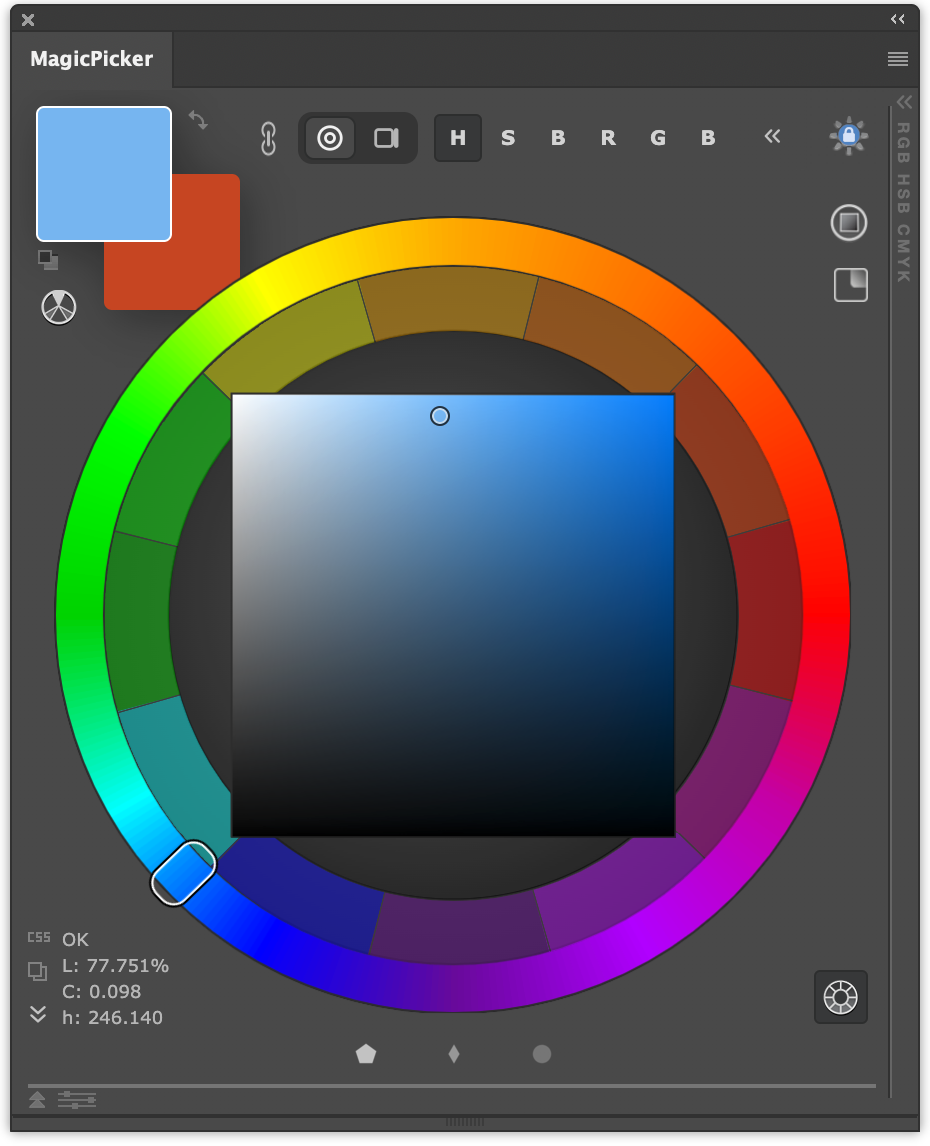
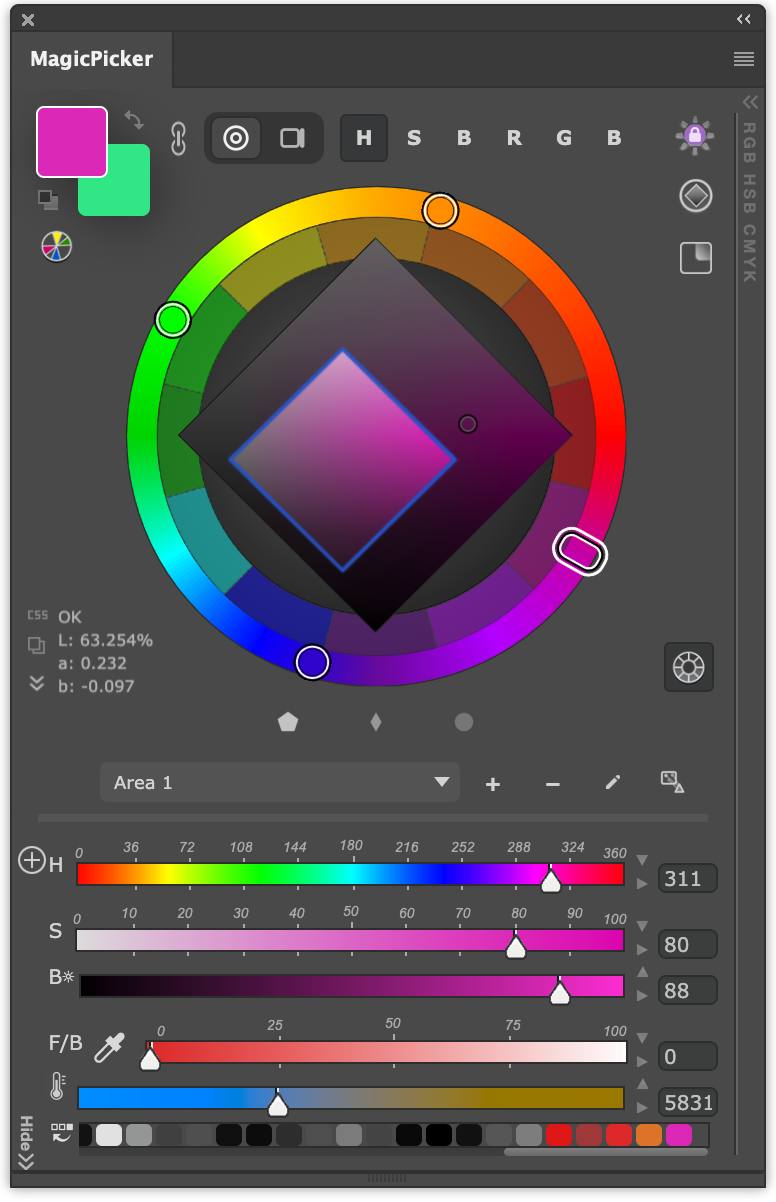
MagicPicker 10 with Color Areas on the wheel and color box
MagicPicker 10 with Color Areas enabled

NEW IN 10 · COLOR AREAS

Every element. Its own color range.

Keep backgrounds subtle, subjects distinct, and accents bold. Define a Color Area for each part of your artwork, then pick only within its range.

YOUR ART. YOUR COLOR RANGES.
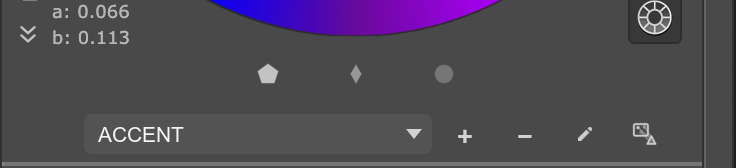
MagicPicker Color Area for a bright blue accent effect
ACCENT
MagicPicker Color Area limiting colors for a blue mech subject
SUBJECT
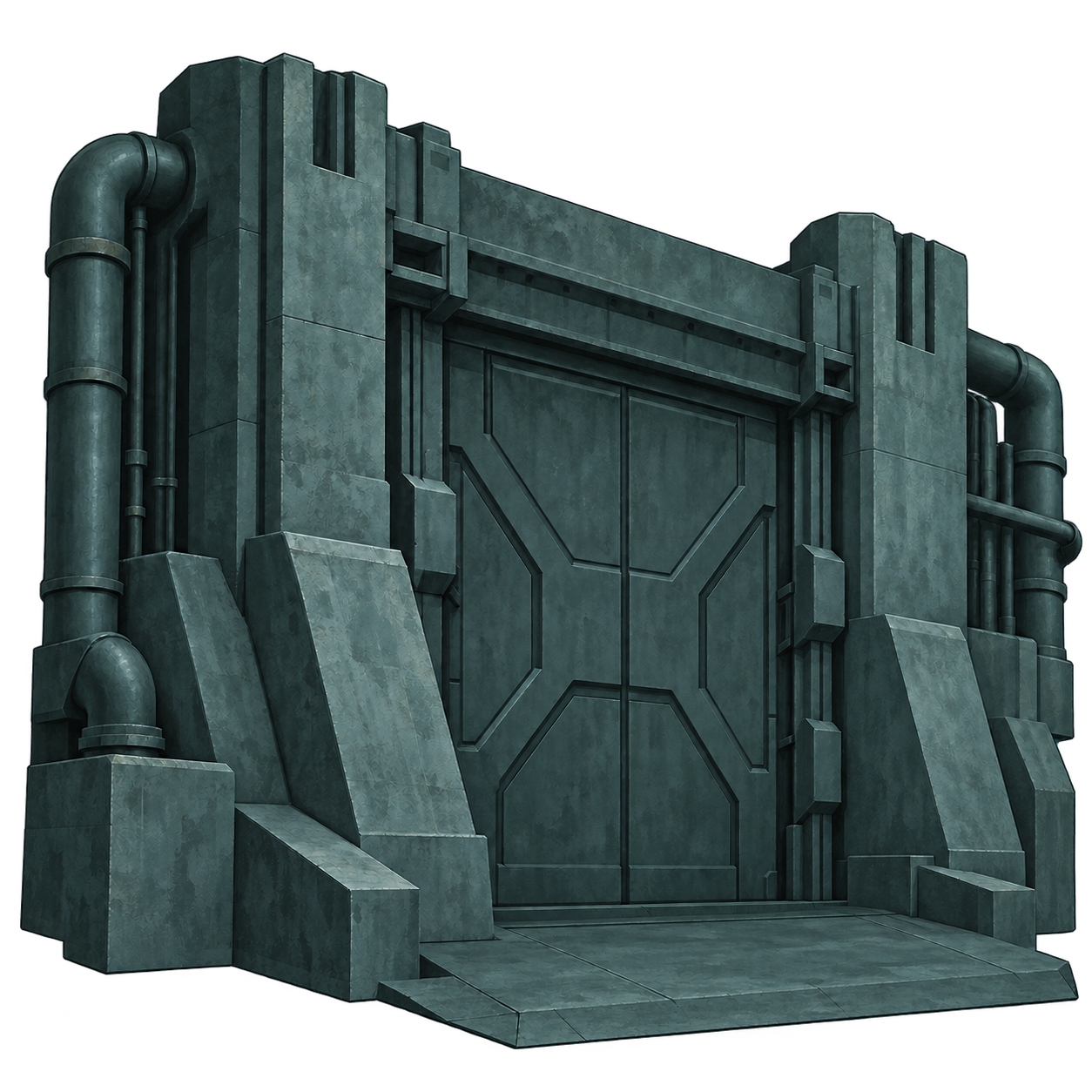
MagicPicker Color Area limiting colors for a muted green background
BACKGROUND

Create Color Areas from any image in one click.

  • Create your range. Draw an area on the color wheel or color box. Or create Color Areas from any image in one click.

  • Name it. Pick within it. Choose a name that fits your work. Activate the area to keep your color picks inside its range.

  • Adapt as you create. Add, rename, or remove areas as your artwork evolves. Use them across all MagicPicker color-space modes.

    MagicPicker controls for selecting and managing Color Areas

Native Apple
Silicon support

Native UXP for Photoshop 2026. No Rosetta anymore.

All features supported - Sliders, HUD, Realtime color picking, Compact Mode

MagicPicker color sliders running natively on Apple Silicon
Sliders
MagicPicker color wheel running natively on Apple Silicon
Color Wheel
MagicPicker transparent HUD for on-canvas color picking
HUD
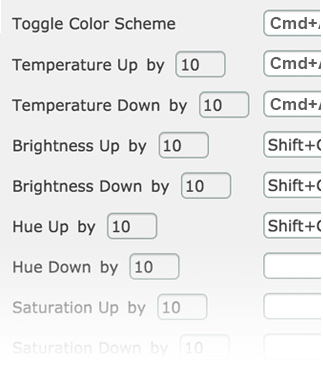
MagicPicker keyboard shortcut settings on Apple Silicon
Keyboard Shortcuts
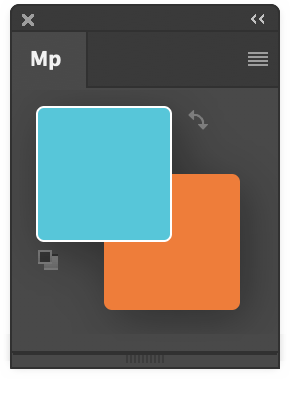
MagicPicker Compact Mode with large foreground and background swatches
Compact Mode

2x Faster. Smarter

Swatches,
the right size

Resize foreground and background swatches with a drag.
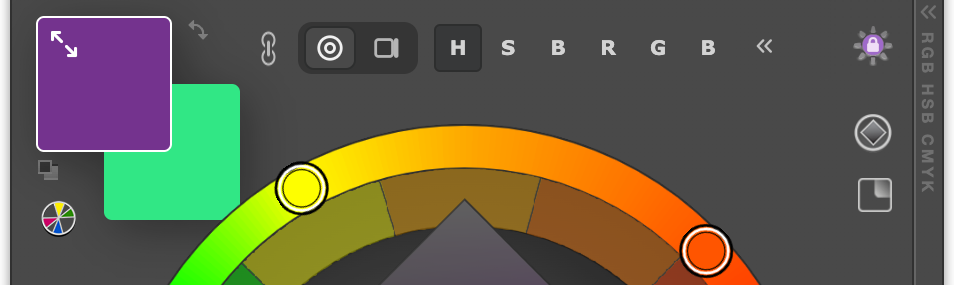
Resizable foreground and background swatches in MagicPicker
Redesigned MagicPicker color wheel and selection controls

A fresh face
for 10

Every control redrawn for modern era. Centered design, pixel-perfect

Twelve-point
harmony

Click on 12 primary colors for instant selection.
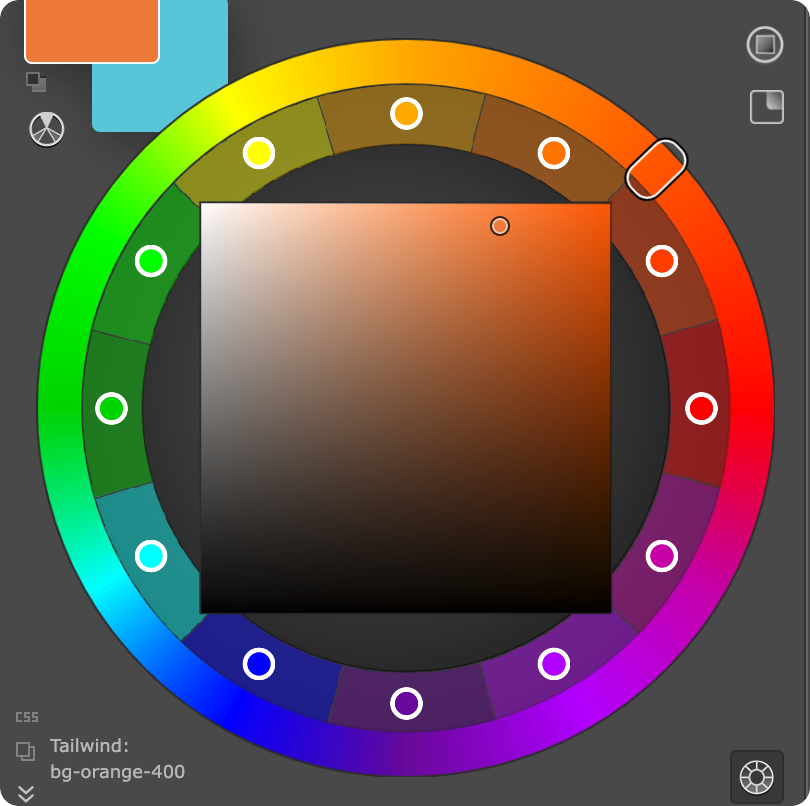
Twelve selectable primary colors around the MagicPicker wheel

Always within reach

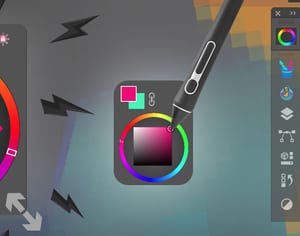
Uncheck “Hide HUD on click outside” to keep HUD on-screen while you paint. Helps with Wacom Ink.
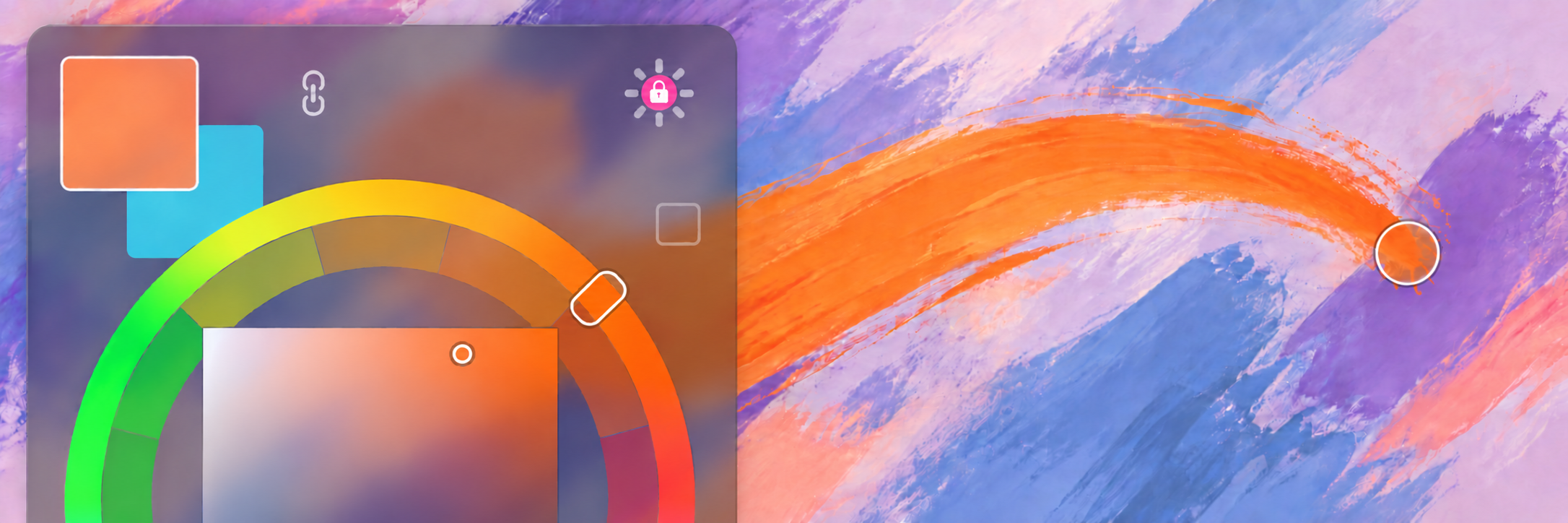
Persistent MagicPicker HUD visible while painting with a stylus

Click-free color picking

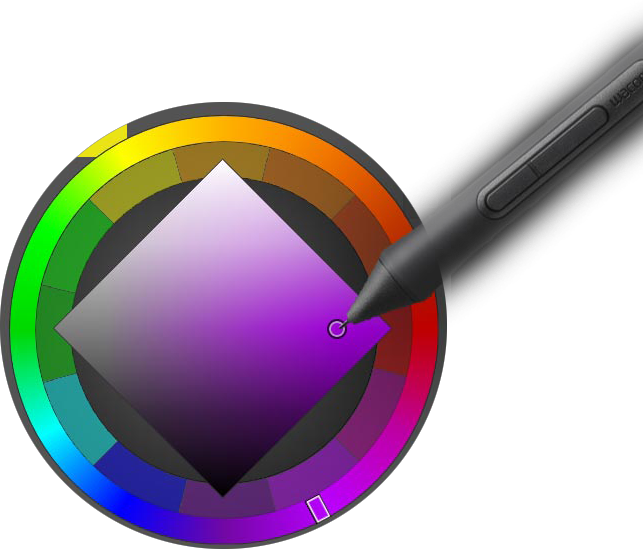
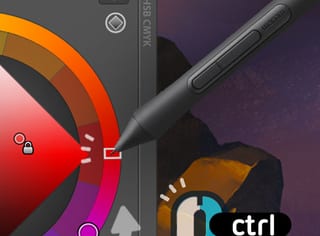
Hold Alt or Option, move across your artwork, release to pick. Activate from menu
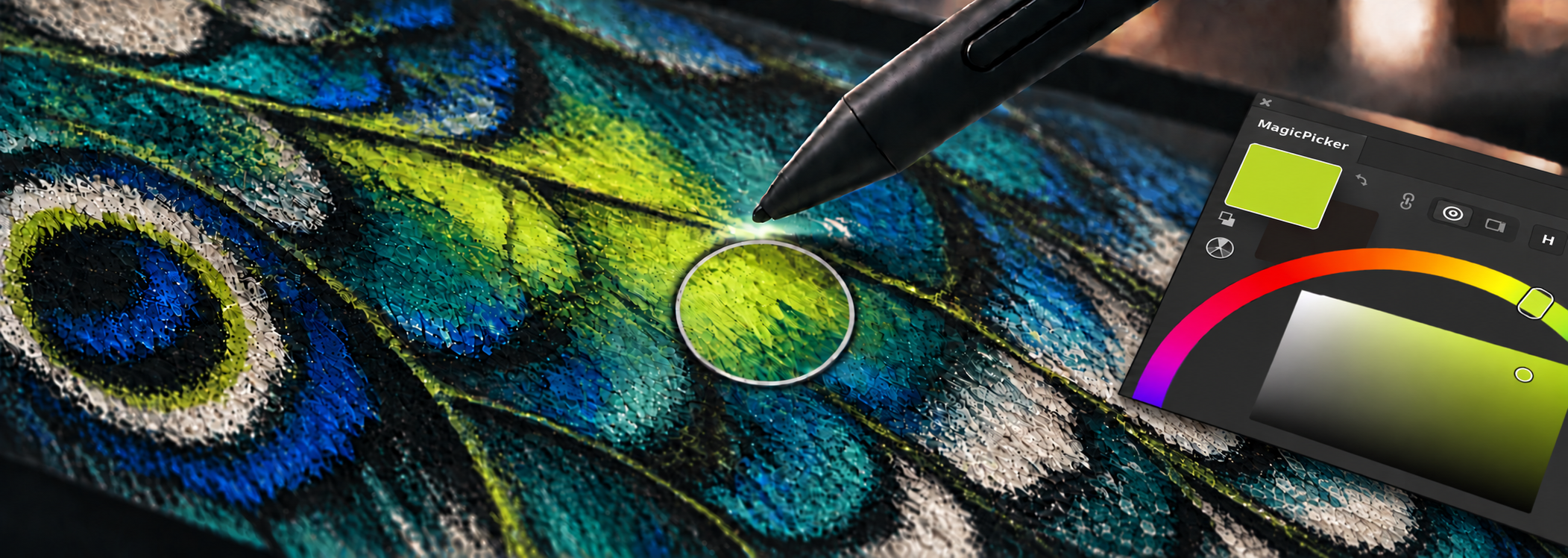
A stylus hovering above a painted canvas while Alt or Option is held, with the sampled color matching the MagicPicker swatch
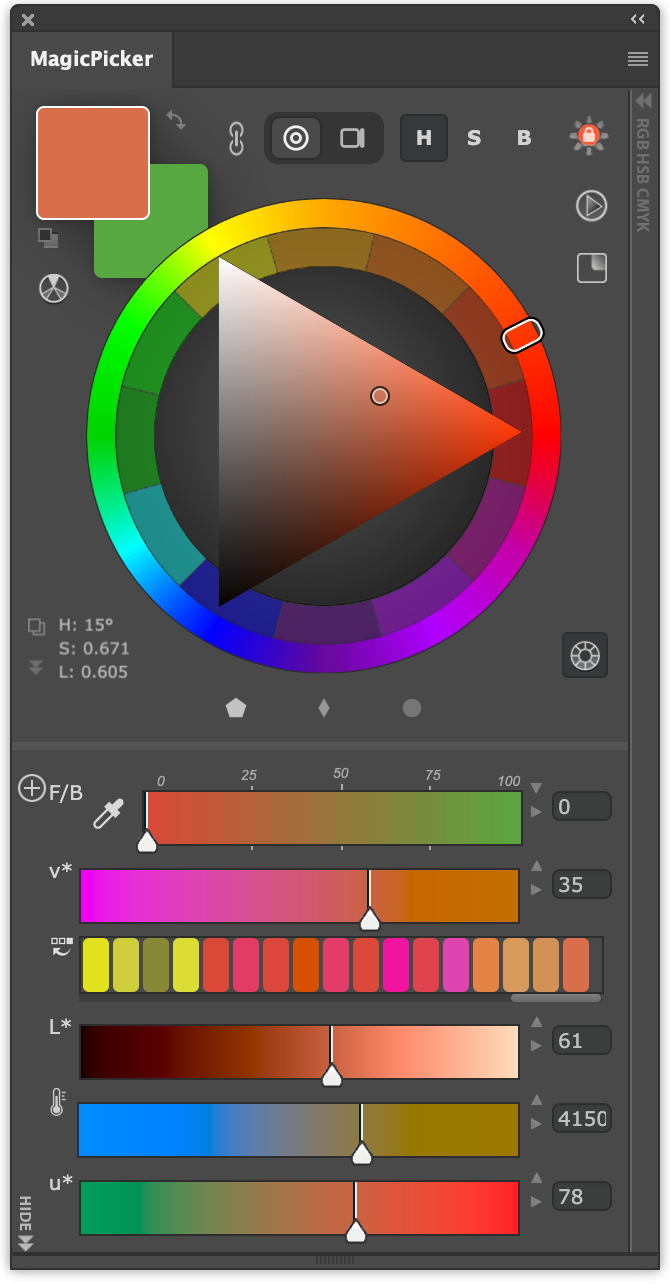
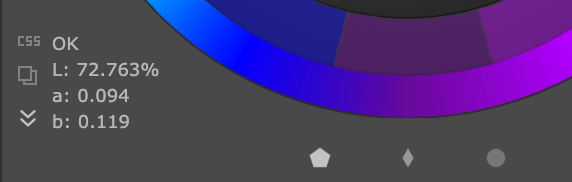
MagicPicker OKLab values and color-space controls

Color the way
eyes see

OKLab, OKlch, Tailwind, CSS, HSB, HSL, RGB, CMYK, YCbCr, YUV, XYZ, Pantone, Munsell support.

Swatch stylesheet

One click to CSS, including Tailwind.

MagicPicker swatch exported as a Tailwind CSS color class
MagicPicker out-of-gamut warning beside a red swatch

Out-of-gamut colors flagged as you pick.

  • Squashed bugs - lots of them, Munsell color wheel improved
  • Faster UI. What, again? Yess!
  • Apple Silicon native
  • Windows 11 & macOS
  • Windows ARM
  • Speeded up again
  • Illustrator support
  • CS6 legacy, CC 2014 - 2025, CC 2026 support
  • Retina crisp
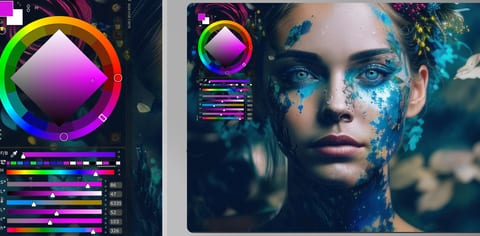
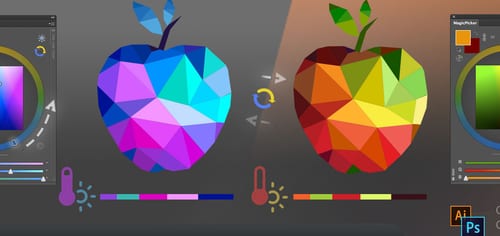
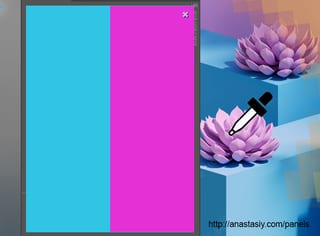
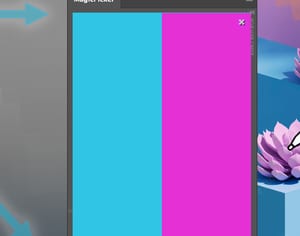
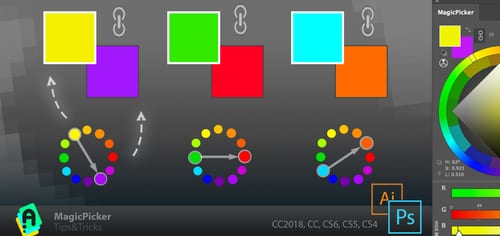
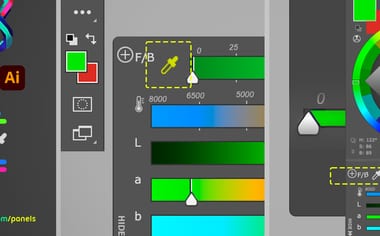
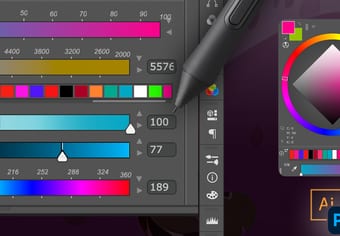
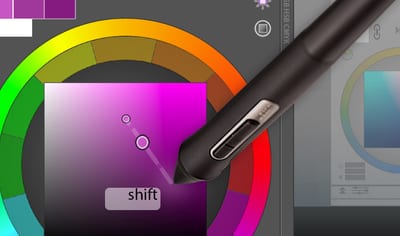
Digital painting created with colors selected in MagicPickerMagicPicker color wheel and sliders beside a portrait paintingMagicPicker changing an illustration between cool and warm palettesMagicPicker comparing two colors sampled from artworkMagicPicker split color comparison panel for checking two colorsMagicPicker linked color harmonies generating complementary swatchesMagicPicker color temperature and Lab sliders in Adobe IllustratorMagicPicker color-wheel modes for Photoshop and IllustratorMagicPicker color sliders used with a pressure-sensitive stylusMagicPicker color-wheel picking with a stylus and Shift modifierMagicPicker compact HUD used directly over artwork with a stylusMagicPicker Tone Lock holding color relationships during selection

Upgrade to MagicPicker 10 $12.99For the human behind every detail.

UPGRADE HERE

Enter your email or MagicPicker serial number

Forgot your serial number?Owners of MagicPicker upgrade at a discount - eligibility is checked automatically.